使用目前可用的 FLUX.2 工作區生成圖片和影片,接著探索 FLUX 3 Video Early Access 以及 FLUX 3 Image 和 FLUX 3 Dev 路線圖。
Flux 3 AI 路線圖
Flux 3 正從圖片生成向多模態模型家族演進。請先閱讀官方狀態頁面,需要今天開始創作時再使用目前的 FLUX.2 工作區。
探索由 Flux 3 驅動的精彩 AI 圖片轉換。點擊任意卡片即可試用該提示詞。
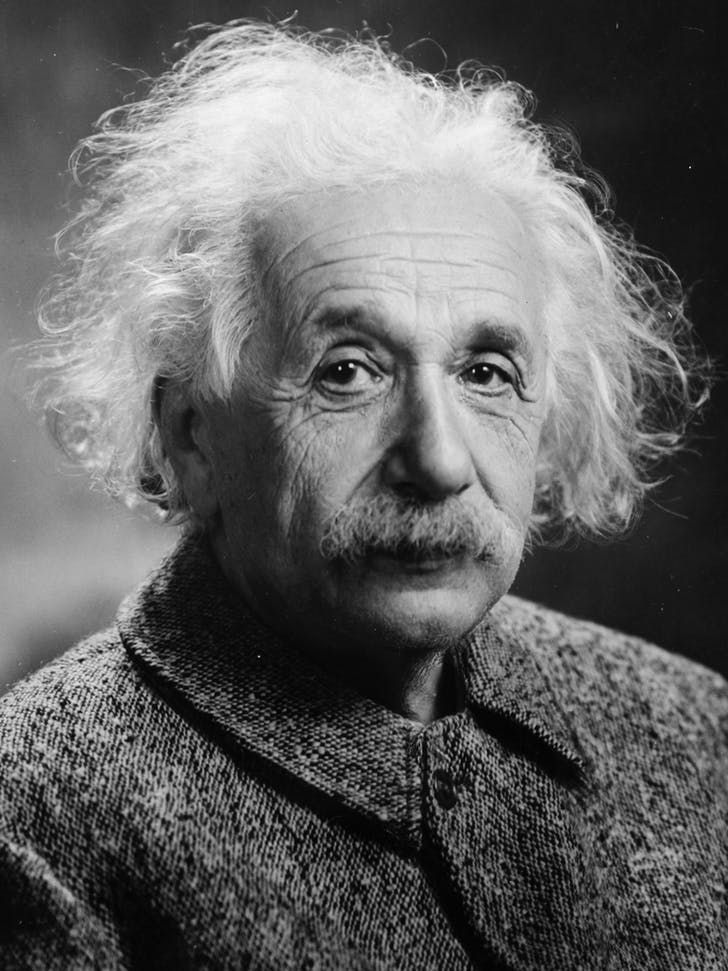
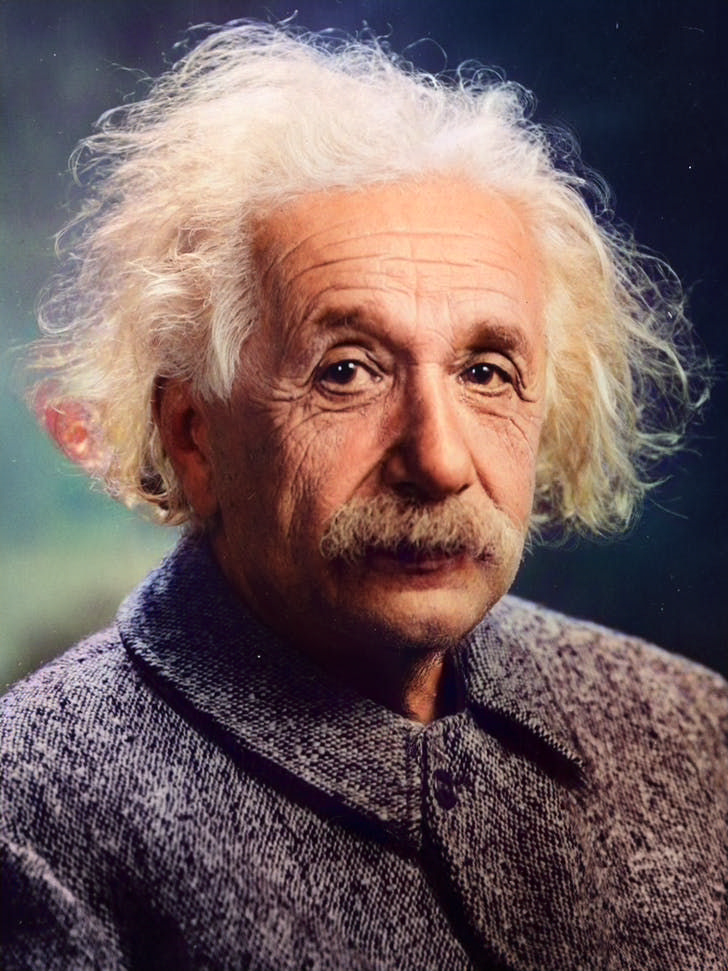
Colorize the photo with natural skin tones, realistic clothing and background colors; avoid oversaturation and preserve fine details.
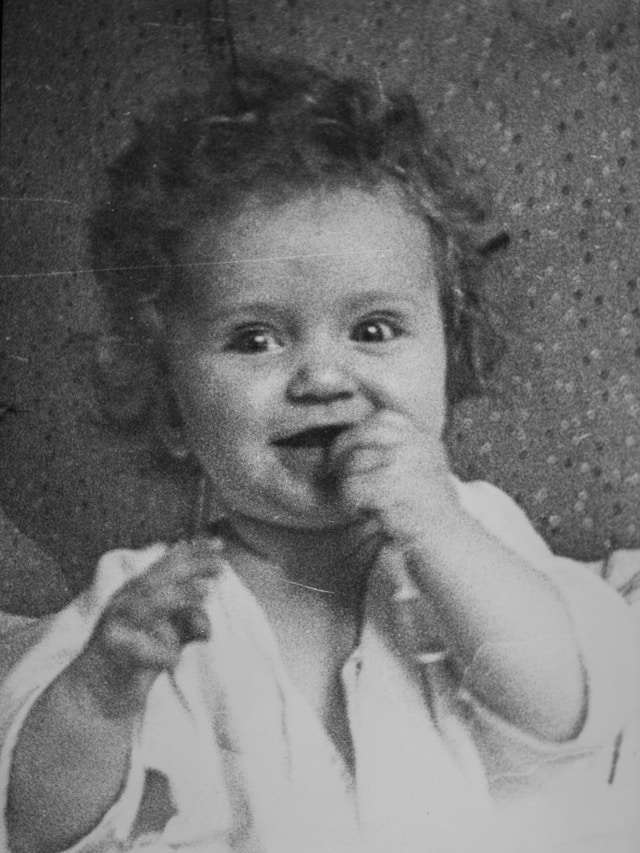
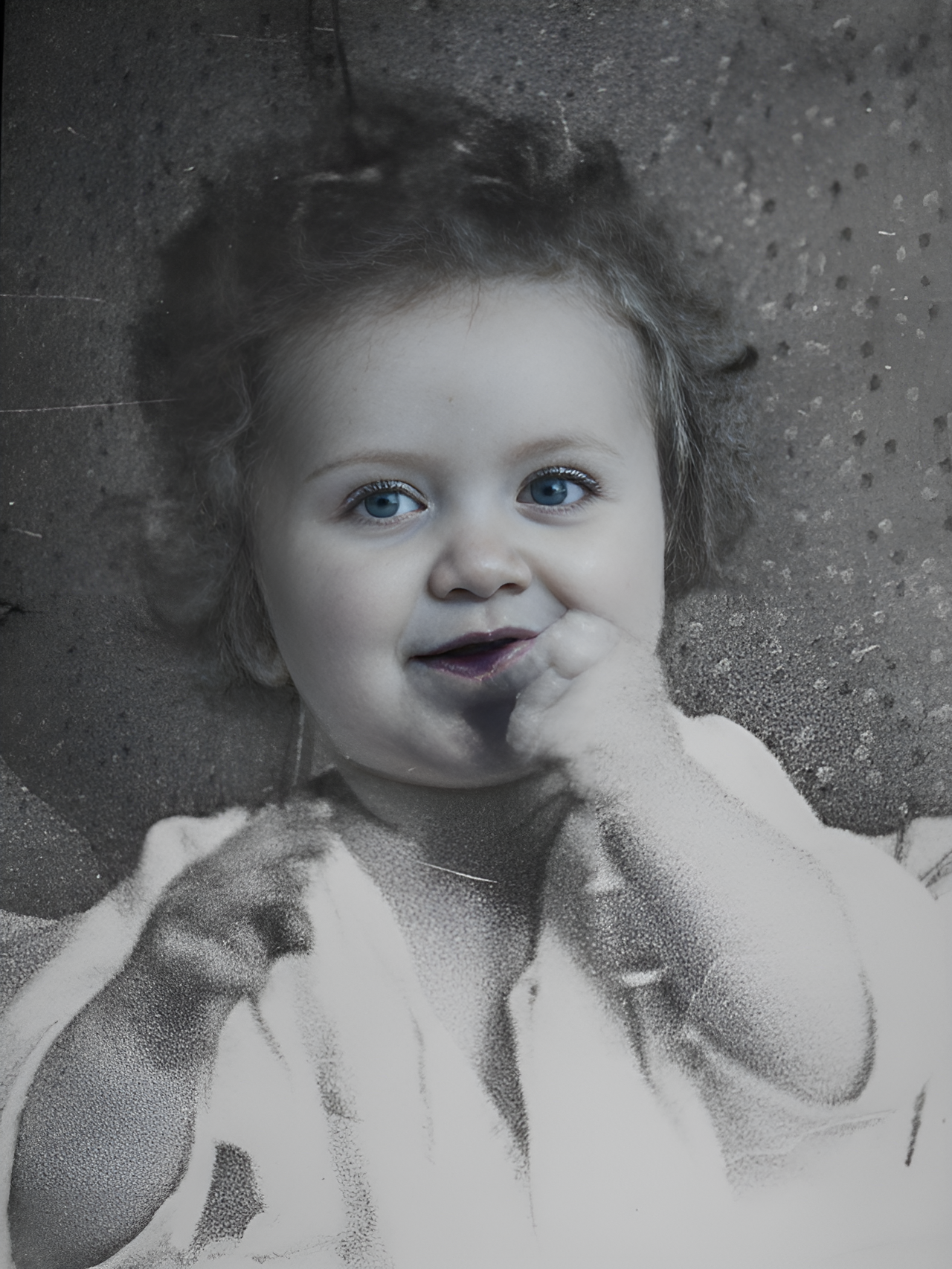
Transform into a modern high-quality digital portrait with vibrant updated colors, smooth realistic skin textures, and natural lighting. The outfit and background should be upgraded into a clean, modern aesthetic while preserving the authenticity of the original pose and expression.
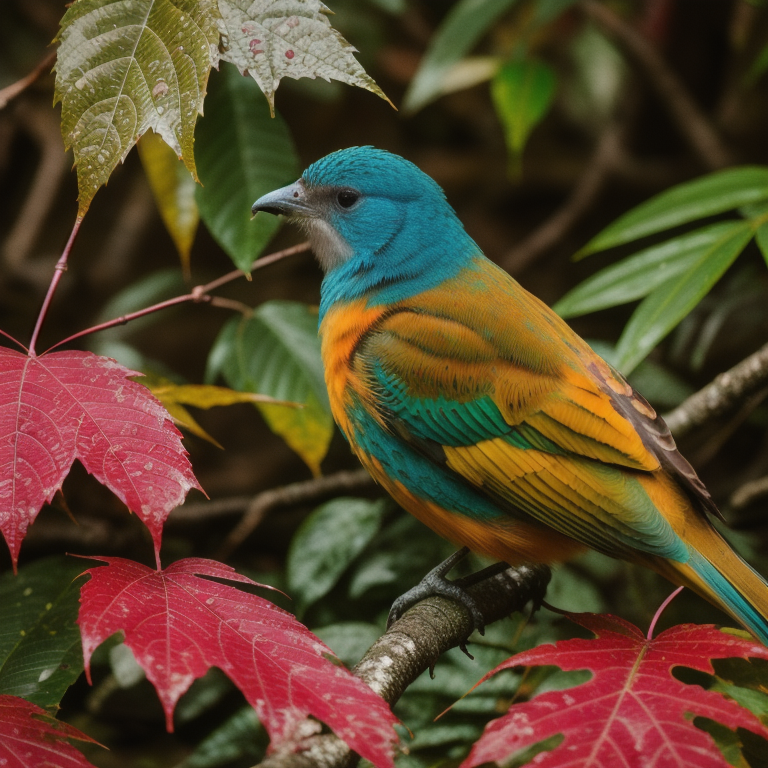
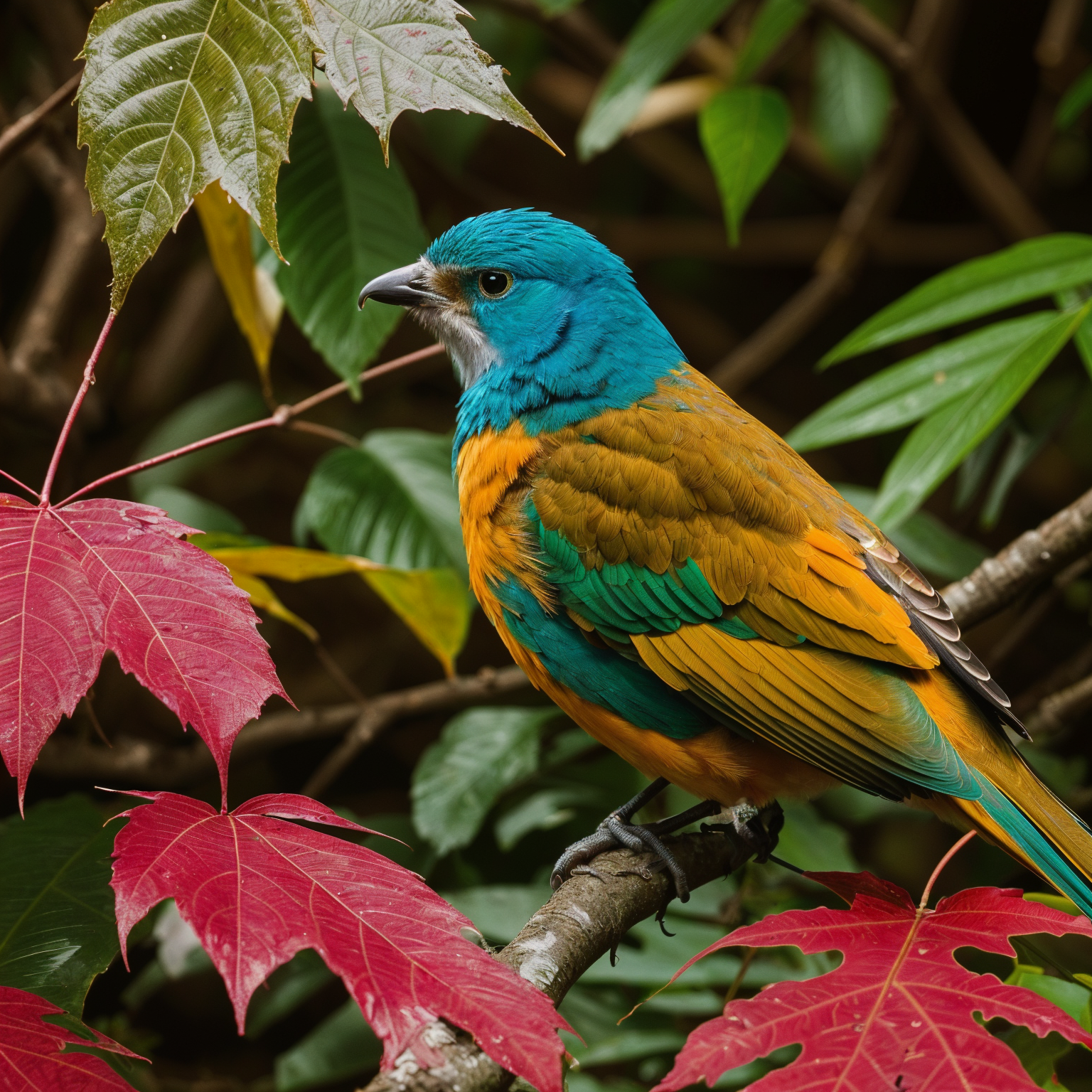
Upscale 4x with super-resolution; preserve textures and edges, reduce artifacts, keep natural sharpness and contrast without halos.
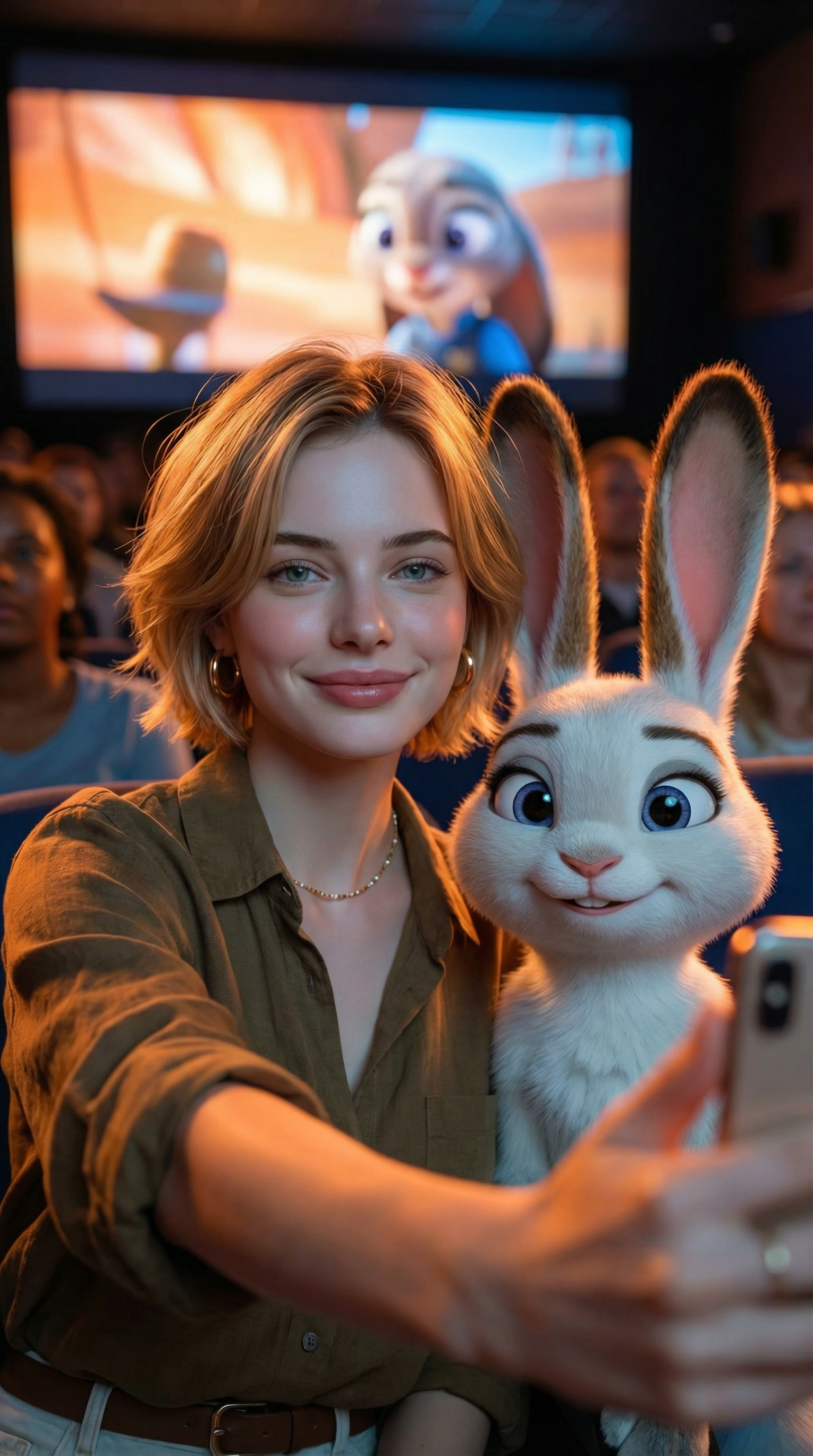
Create an ultra-realistic selfie photo. Use the uploaded image as the exact character reference — do not modify, alter, or adjust any facial features, hairstyle, clothing, or accessories of the person in the uploaded image. Add Judy Hopps from Zootopia (Disney character) standing next to the real person. Scene: A dark, crowded movie theater. A large cinema screen in the background is showing a scene from Zootopia. Cinematic lighting with warm ambient glow. Composition: Selfie angle. The real person from Image 1 (preserve all original features exactly) is taking a selfie together with Judy Hopps. [describe the pose/action here]. Both subjects are in sharp focus. Ultra-HD, 8K quality, hyper-realistic photography style with natural light mixed with screen glow, shallow depth of field. Important: The human subject must look identical to the uploaded reference image — no changes to hairstyle, clothing, accessories, or facial details. The only added element should be the Zootopia character integrated naturally into the scene.
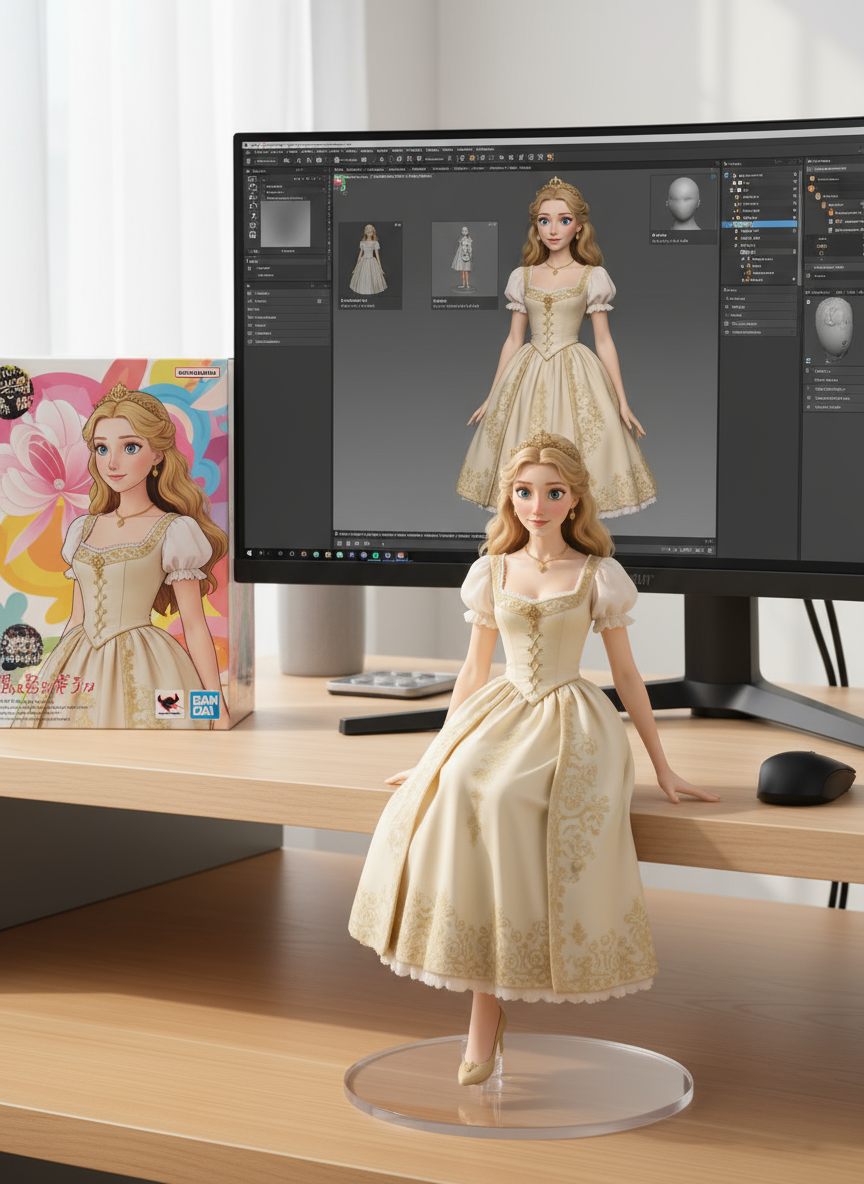
create a 1/7 scale commercialized figure of thecharacter in the illustration, in a realistic styie and environment.Place the figure on a computer desk, using a circular transparent acrylic base without any text.On the computer screen, display the ZBrush modeling process of the figure.Next to the computer screen, place a BANDAl-style toy packaging box printedwith the original artwork.
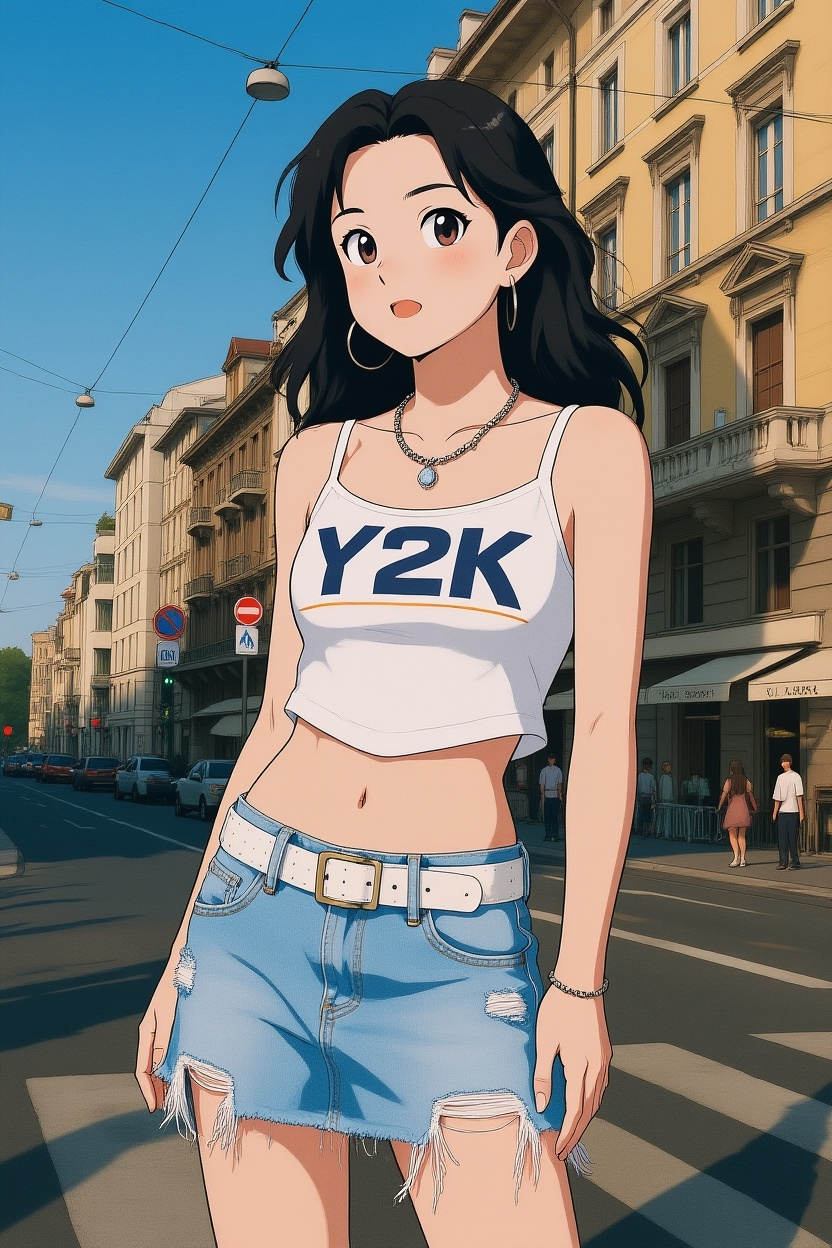
Convert photos into Ghibli-style illustrations
在我們精心整理的提示詞庫中發現更多 AI 圖片提示詞
開啟 Flux 3 ,開始使用 Flux 3 AI 圖片生成器進行創作。
上傳圖片或用自然語言描述你的需求。目前的 FLUX.2 工作區支援文字提示和參考圖片。
在目前的 FLUX.2 工作區中點擊生成。預覽、編輯並下載結果,工具中會顯示目前使用的模型。
查看 FLUX 3 Video、FLUX 3 AI Image 和 FLUX 3 Dev 的路線圖頁面。如需立即生成,請開啟目前可用的 FLUX.2 圖片工作區。
