สร้างภาพและวิดีโอด้วยพื้นที่ทำงาน FLUX.2 ที่พร้อมใช้งาน แล้วสำรวจ FLUX 3 Video Early Access ตลอดจนแผนงานของ FLUX 3 Image และ FLUX 3 Dev
แผนงาน Flux 3 AI
Flux 3 กำลังพัฒนาจากการสร้างภาพไปสู่ตระกูลโมเดลมัลติโหมด อ่านหน้าสถานะทางการ แล้วใช้พื้นที่ทำงาน FLUX.2 เมื่อคุณต้องการสร้างสรรค์ในวันนี้
สำรวจการเปลี่ยนแปลงภาพ AI ที่น่าทึ่งโดย Flux 3 คลิกการ์ดใดก็ได้เพื่อลองใช้คำสั่งด้วยตัวเอง
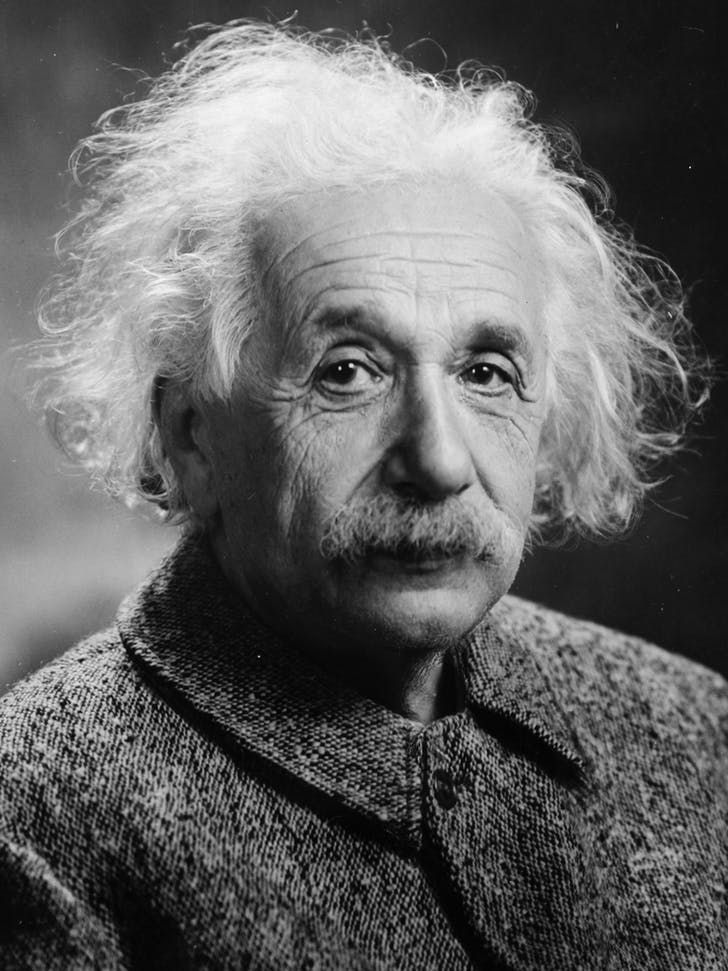
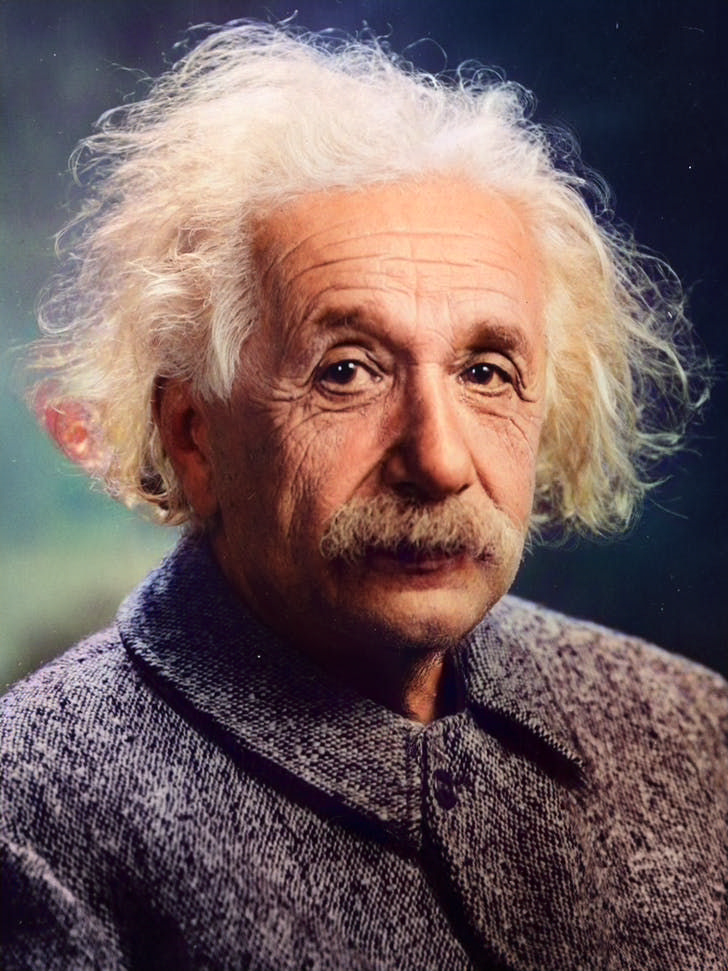
Colorize the photo with natural skin tones, realistic clothing and background colors; avoid oversaturation and preserve fine details.
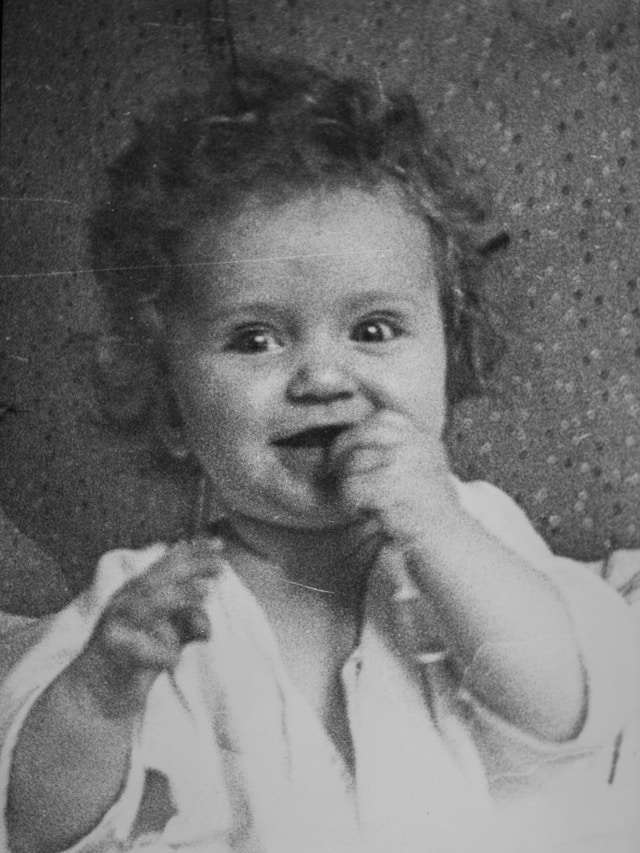
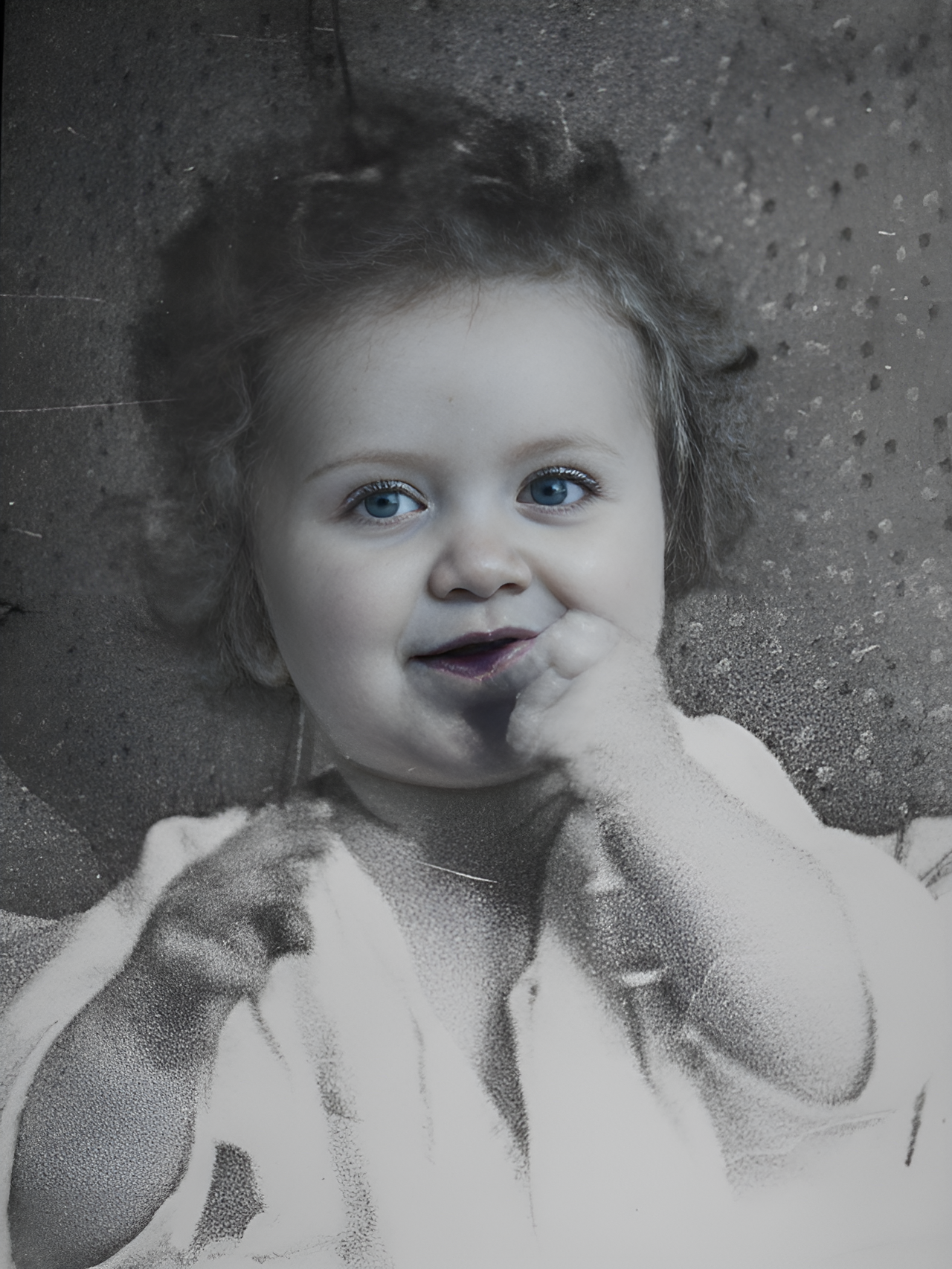
Transform into a modern high-quality digital portrait with vibrant updated colors, smooth realistic skin textures, and natural lighting. The outfit and background should be upgraded into a clean, modern aesthetic while preserving the authenticity of the original pose and expression.
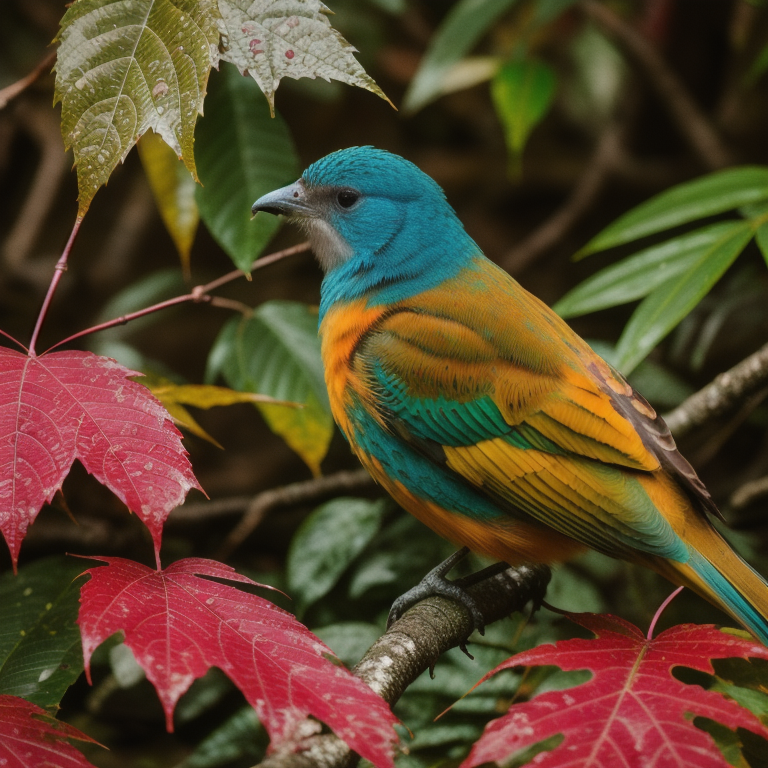
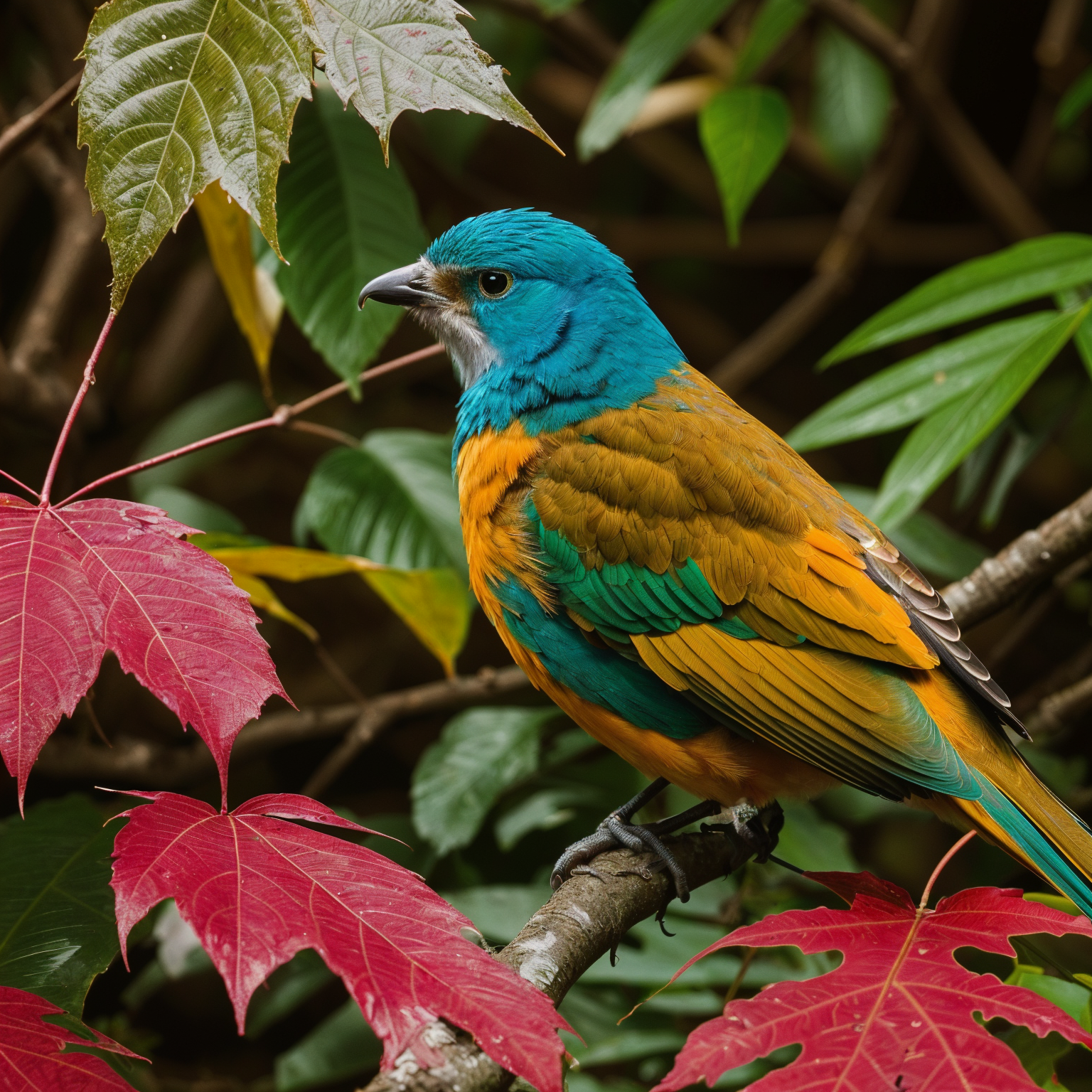
Upscale 4x with super-resolution; preserve textures and edges, reduce artifacts, keep natural sharpness and contrast without halos.
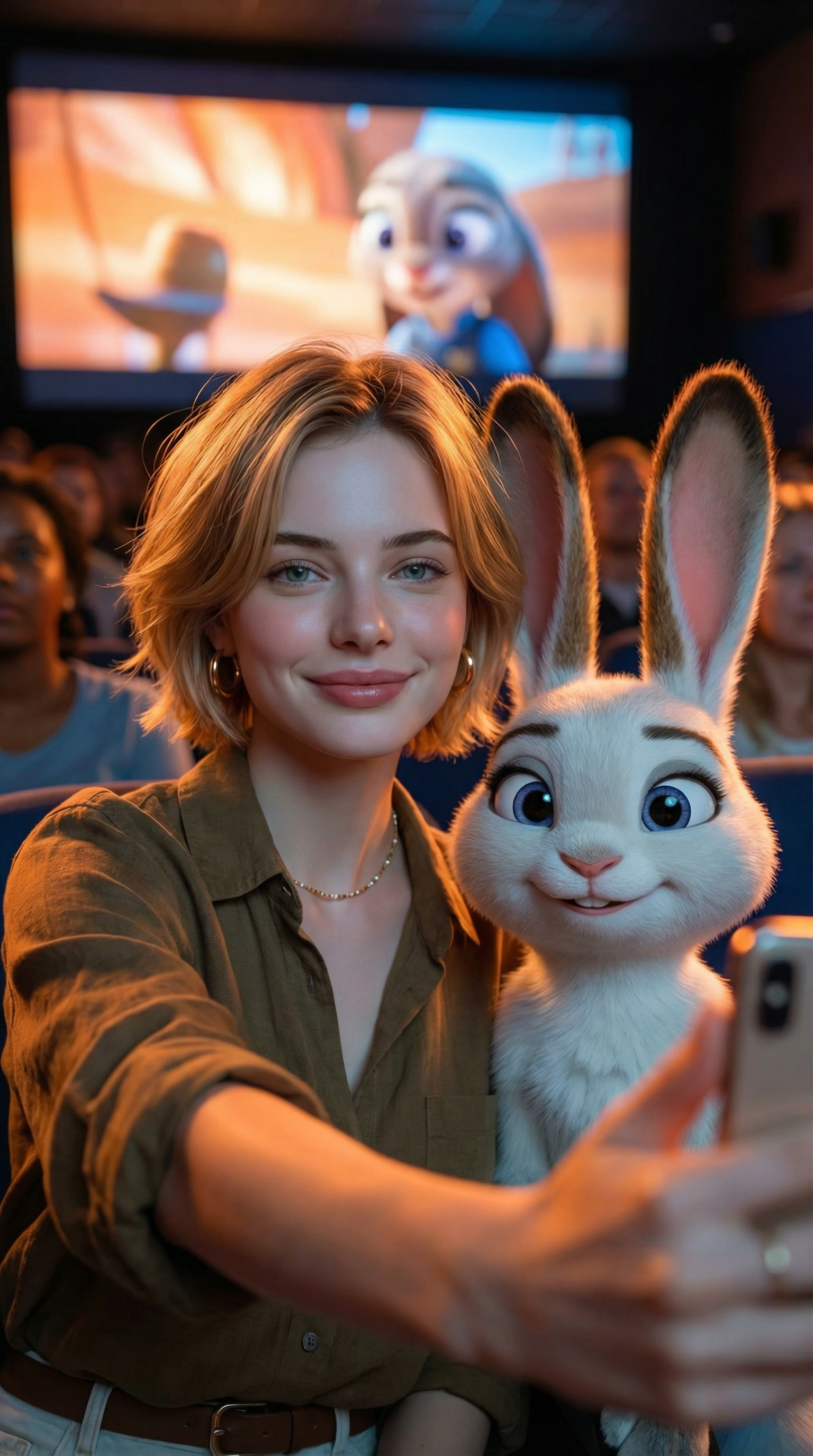
Create an ultra-realistic selfie photo. Use the uploaded image as the exact character reference — do not modify, alter, or adjust any facial features, hairstyle, clothing, or accessories of the person in the uploaded image. Add Judy Hopps from Zootopia (Disney character) standing next to the real person. Scene: A dark, crowded movie theater. A large cinema screen in the background is showing a scene from Zootopia. Cinematic lighting with warm ambient glow. Composition: Selfie angle. The real person from Image 1 (preserve all original features exactly) is taking a selfie together with Judy Hopps. [describe the pose/action here]. Both subjects are in sharp focus. Ultra-HD, 8K quality, hyper-realistic photography style with natural light mixed with screen glow, shallow depth of field. Important: The human subject must look identical to the uploaded reference image — no changes to hairstyle, clothing, accessories, or facial details. The only added element should be the Zootopia character integrated naturally into the scene.
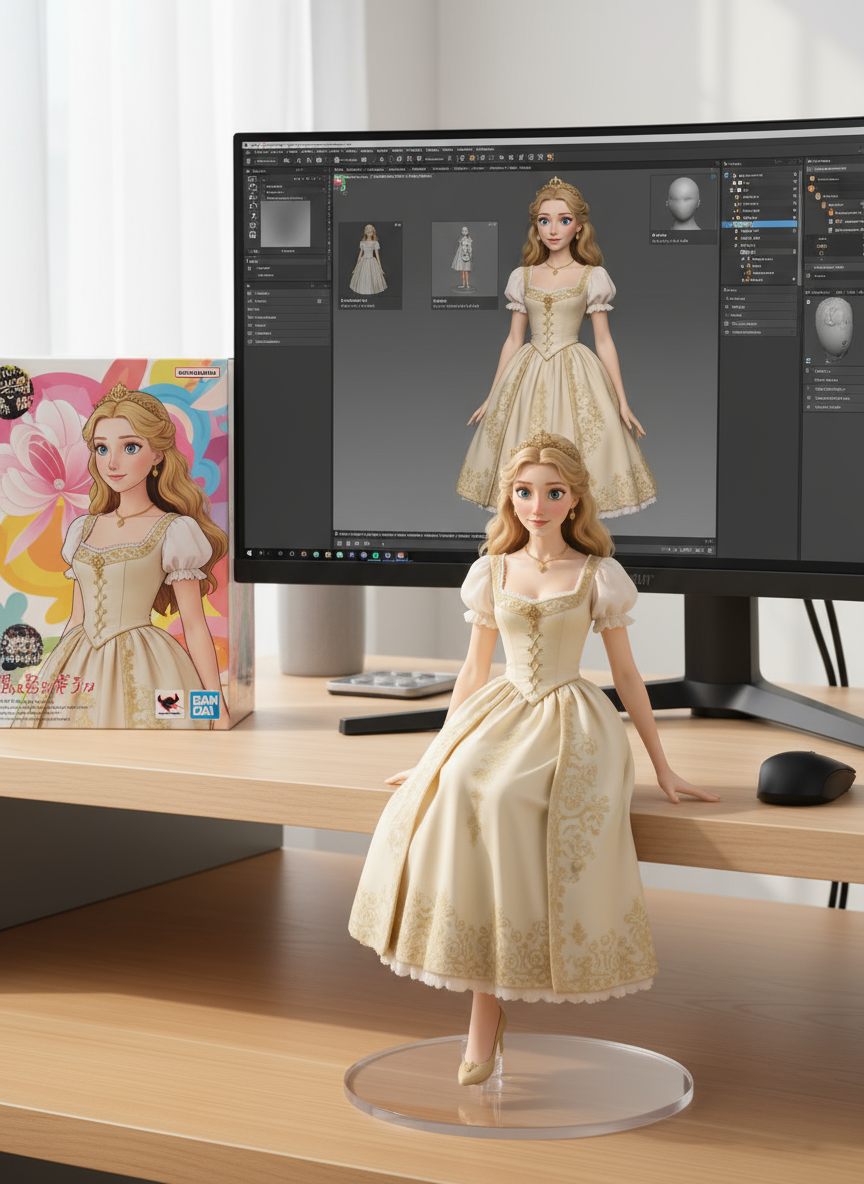
create a 1/7 scale commercialized figure of thecharacter in the illustration, in a realistic styie and environment.Place the figure on a computer desk, using a circular transparent acrylic base without any text.On the computer screen, display the ZBrush modeling process of the figure.Next to the computer screen, place a BANDAl-style toy packaging box printedwith the original artwork.
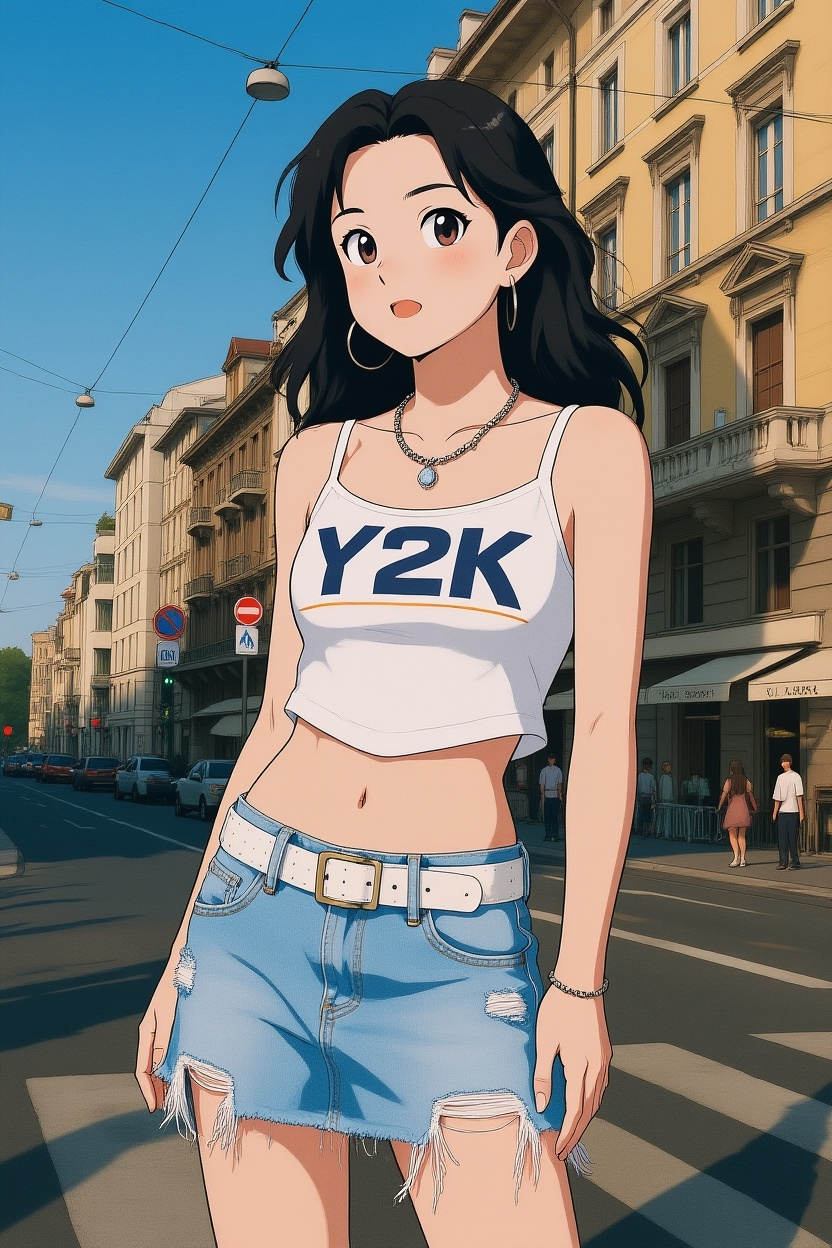
Convert photos into Ghibli-style illustrations
ค้นพบคำสั่งภาพ AI เพิ่มเติมในคลังคัดสรรของเรา
เปิด Flux 3 และเริ่มสร้างสรรค์กับ Flux 3 AI Image Generator
อัปโหลดภาพหรือบรรยายสิ่งที่คุณต้องการเป็นภาษาธรรมชาติ พื้นที่ทำงาน FLUX.2 ปัจจุบันรับคำสั่งข้อความและภาพอ้างอิง
คลิกสร้างในพื้นที่ทำงาน FLUX.2 ปัจจุบัน ดูตัวอย่าง แก้ไข และดาวน์โหลดผลลัพธ์ พร้อมแสดงโมเดลที่ใช้งานอยู่ในเครื่องมือ
ใช้หน้าแผนงานสำหรับ FLUX 3 Video, FLUX 3 AI Image และ FLUX 3 Dev หากต้องการสร้างสรรค์วันนี้ เปิดใช้พื้นที่ทำงาน FLUX.2 ที่พร้อมใช้งาน
