利用可能な FLUX.2 ワークスペースで画像や動画を生成し、FLUX 3 Video Early Access や FLUX 3 Image・FLUX 3 Dev のロードマップもご確認ください。
Flux 3 AI ロードマップ
Flux 3 は画像生成からマルチモーダルモデルファミリーへと進化しています。公式ステータスページを確認した上で、今すぐ作成が必要な場合は現在の FLUX.2 ワークスペースをご利用ください。
Flux 3 搭載の素晴らしいAI画像変換を探索。カードをクリックしてプロンプトを試してみましょう。
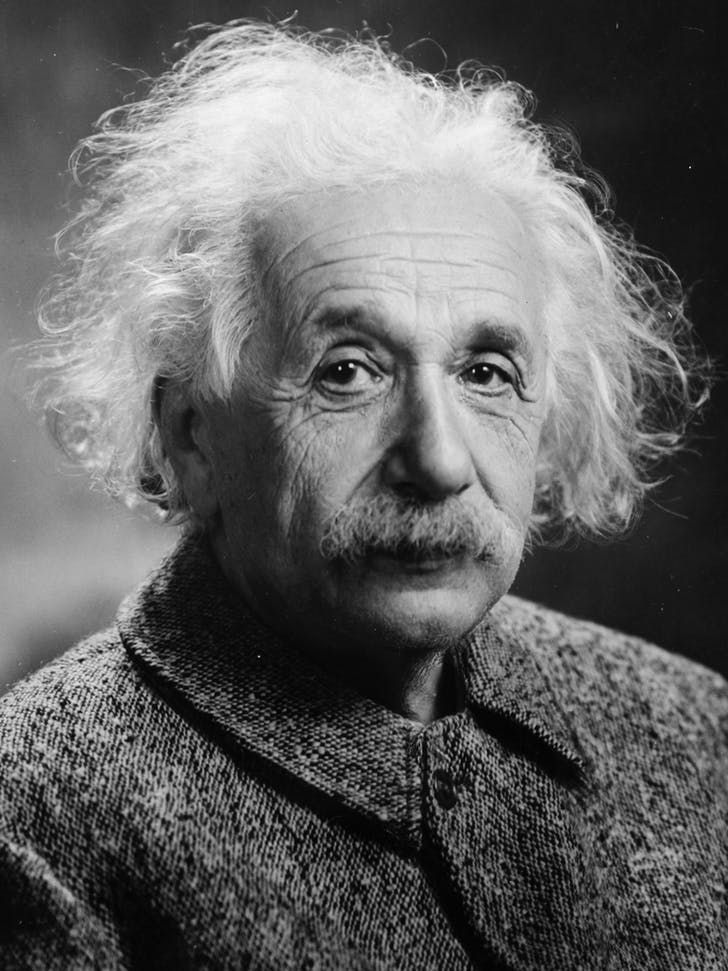
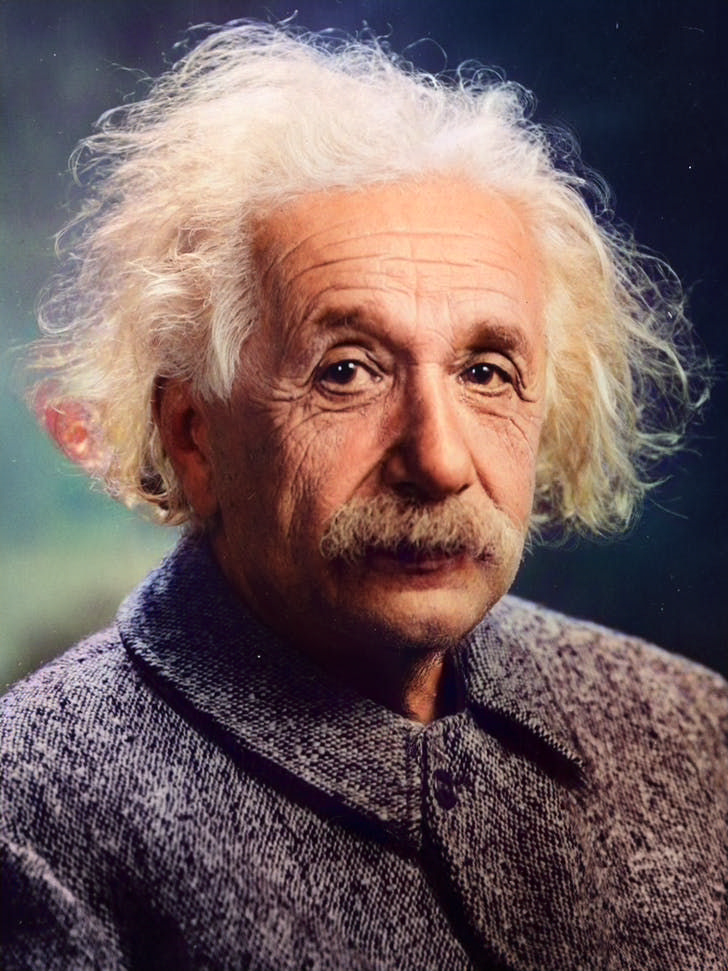
Colorize the photo with natural skin tones, realistic clothing and background colors; avoid oversaturation and preserve fine details.
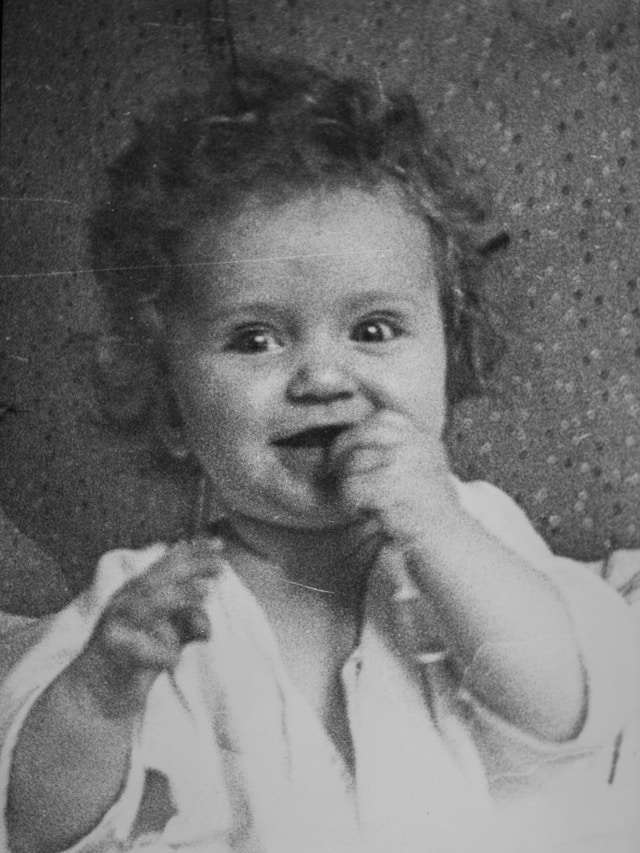
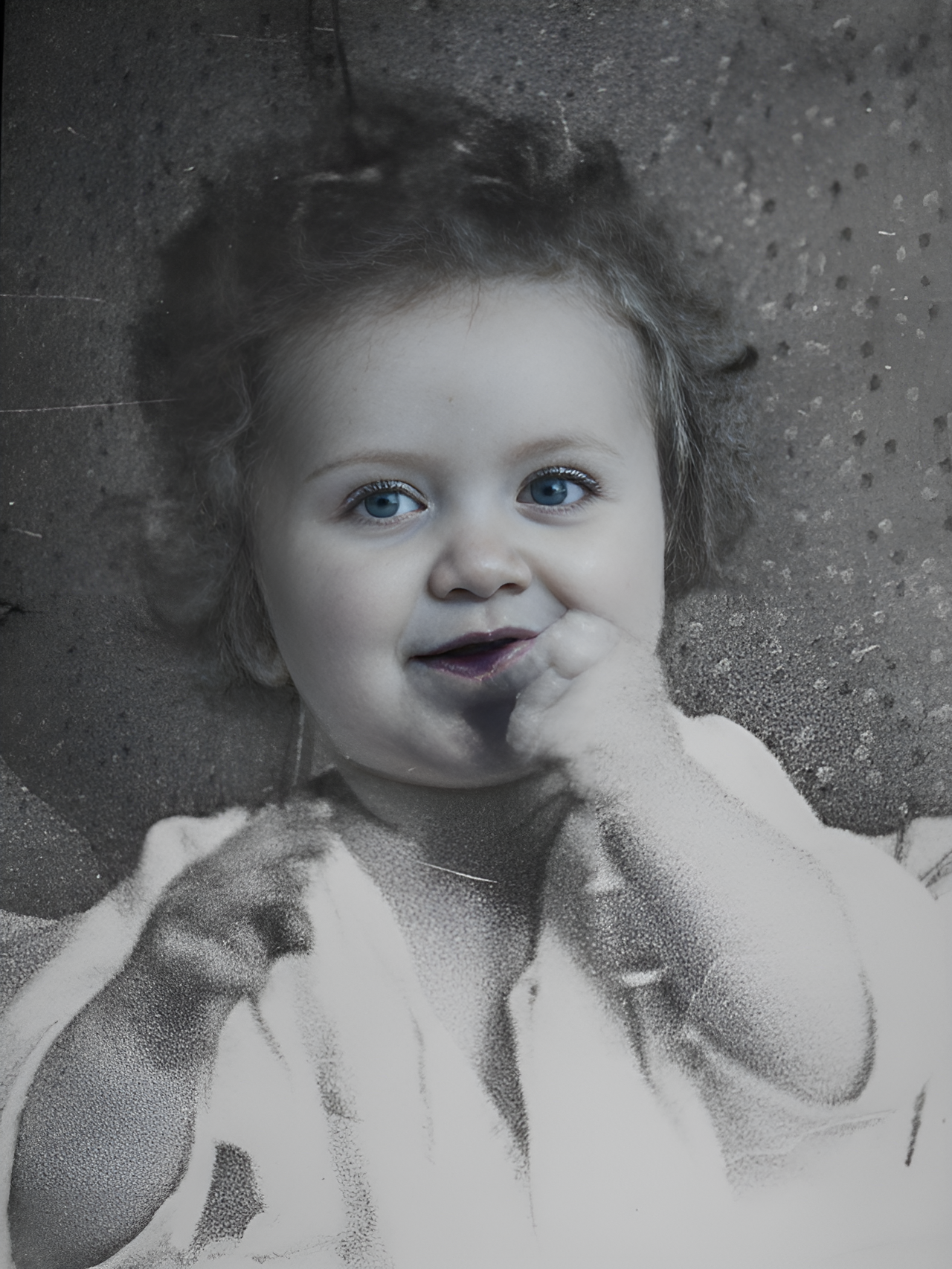
Transform into a modern high-quality digital portrait with vibrant updated colors, smooth realistic skin textures, and natural lighting. The outfit and background should be upgraded into a clean, modern aesthetic while preserving the authenticity of the original pose and expression.
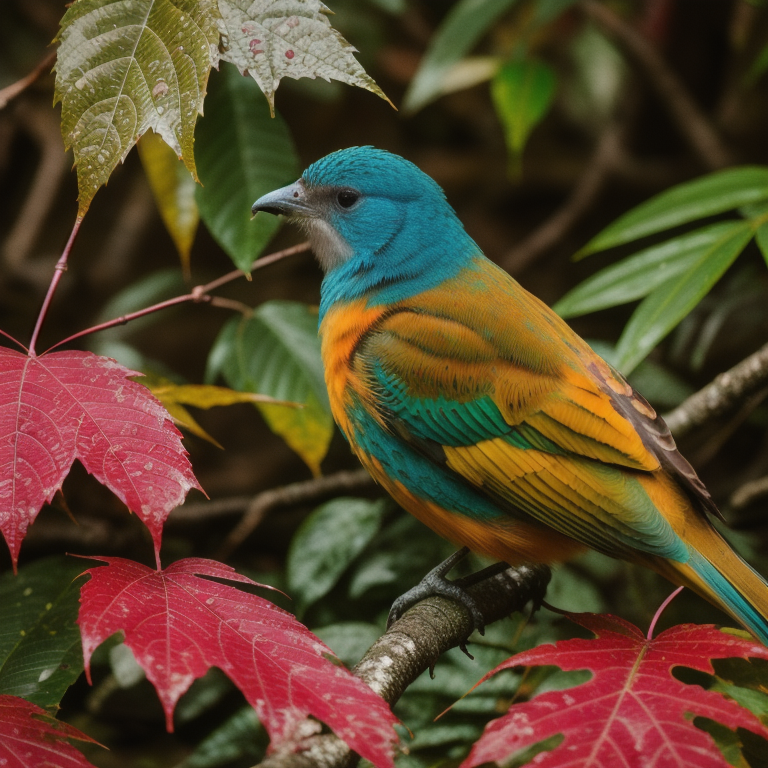
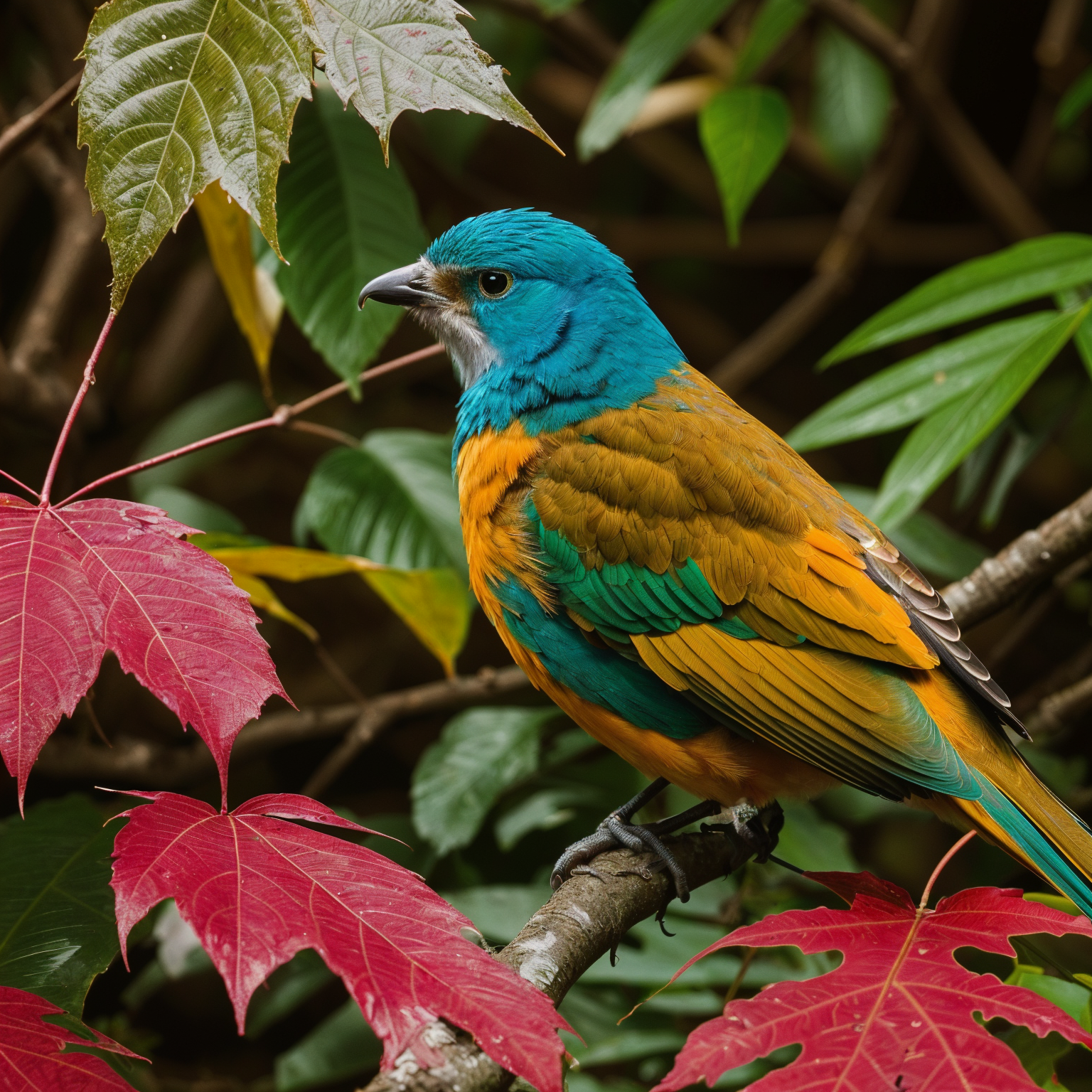
Upscale 4x with super-resolution; preserve textures and edges, reduce artifacts, keep natural sharpness and contrast without halos.
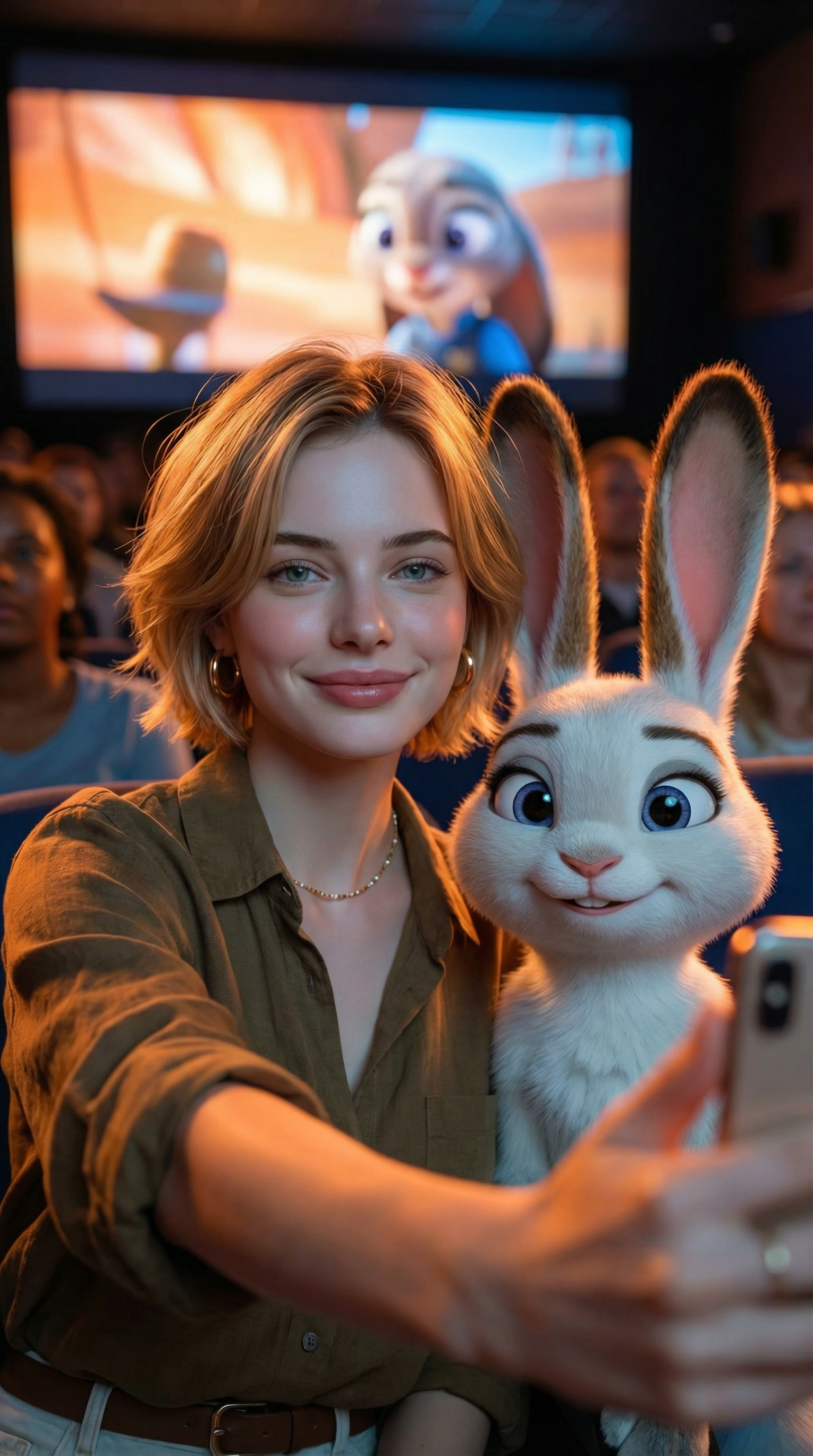
Create an ultra-realistic selfie photo. Use the uploaded image as the exact character reference — do not modify, alter, or adjust any facial features, hairstyle, clothing, or accessories of the person in the uploaded image. Add Judy Hopps from Zootopia (Disney character) standing next to the real person. Scene: A dark, crowded movie theater. A large cinema screen in the background is showing a scene from Zootopia. Cinematic lighting with warm ambient glow. Composition: Selfie angle. The real person from Image 1 (preserve all original features exactly) is taking a selfie together with Judy Hopps. [describe the pose/action here]. Both subjects are in sharp focus. Ultra-HD, 8K quality, hyper-realistic photography style with natural light mixed with screen glow, shallow depth of field. Important: The human subject must look identical to the uploaded reference image — no changes to hairstyle, clothing, accessories, or facial details. The only added element should be the Zootopia character integrated naturally into the scene.
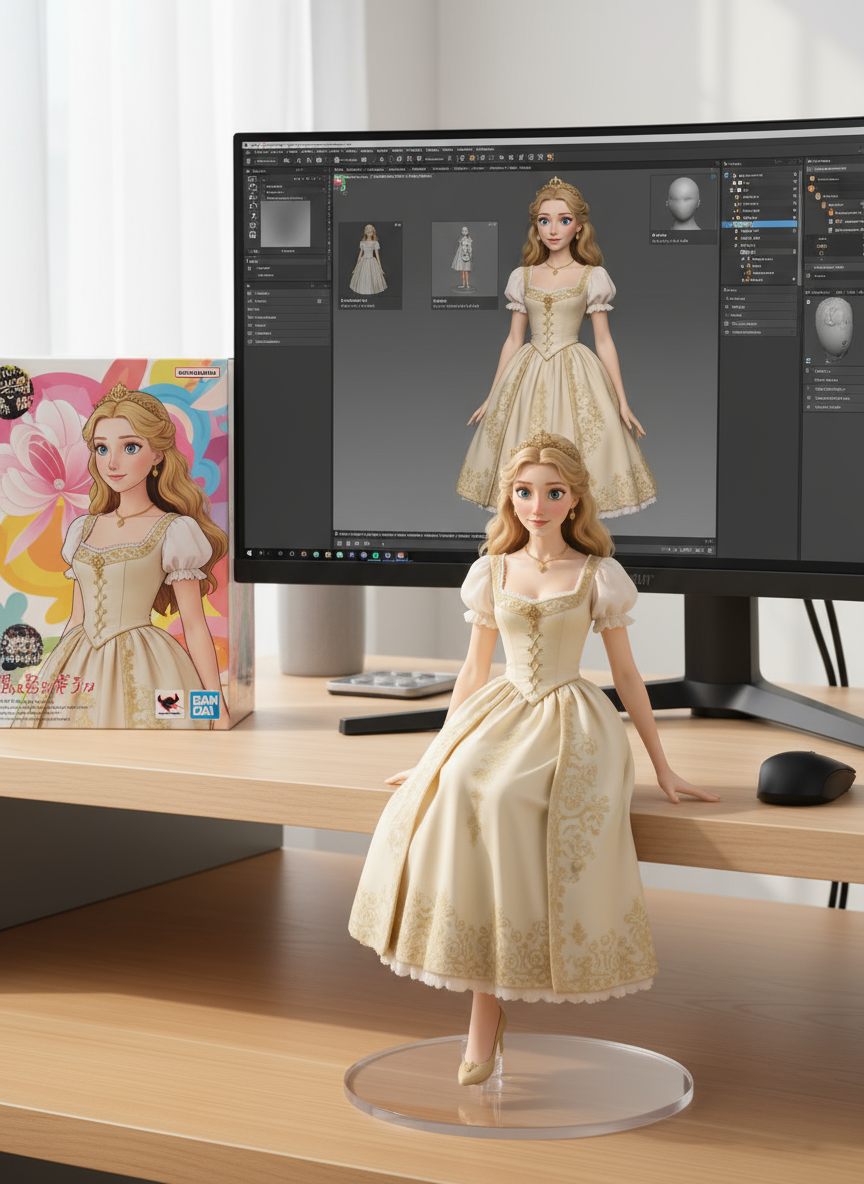
create a 1/7 scale commercialized figure of thecharacter in the illustration, in a realistic styie and environment.Place the figure on a computer desk, using a circular transparent acrylic base without any text.On the computer screen, display the ZBrush modeling process of the figure.Next to the computer screen, place a BANDAl-style toy packaging box printedwith the original artwork.
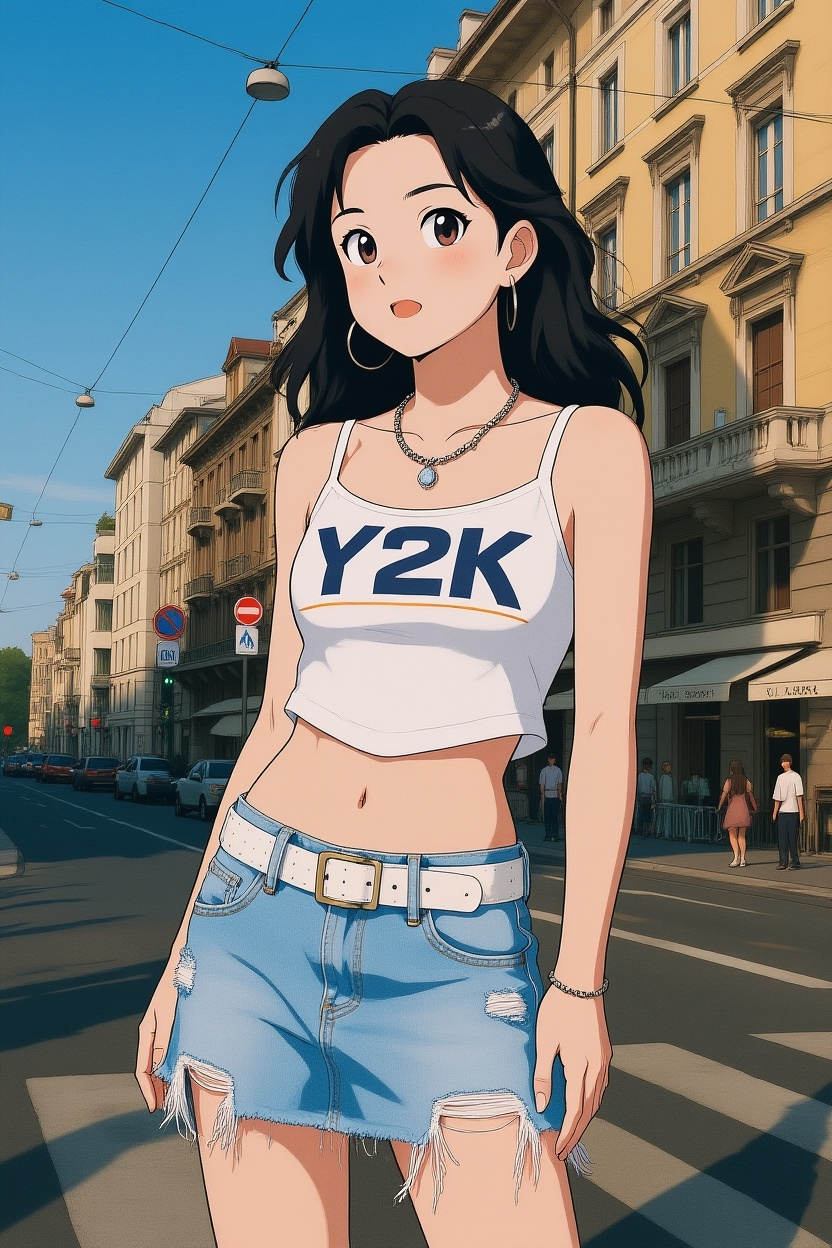
Convert photos into Ghibli-style illustrations
厳選ライブラリでより多くのAI画像プロンプトを発見
Flux 3 を開く を開いて Flux 3 AI Image Generator で作成を始めましょう。
画像をアップロードするか、プレーンな言葉で作成したいものを説明してください。現在の FLUX.2 ワークスペースはテキストプロンプトと参照画像に対応しています。
現在の FLUX.2 ワークスペースで生成をクリック。プレビュー、編集、結果のダウンロードが可能で、ツール内にアクティブなモデルが表示されます。
FLUX 3 Video、FLUX 3 AI Image、FLUX 3 Dev のロードマップページをご利用ください。今すぐ生成するには、利用可能な FLUX.2 画像ワークスペースを開いてください。
